Home › Repairs & tech services
Free stock photos for electronics repair technicians
Photos


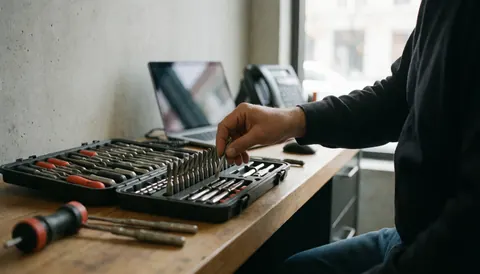
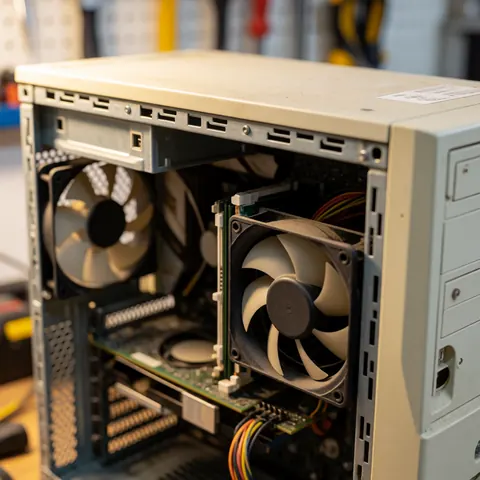
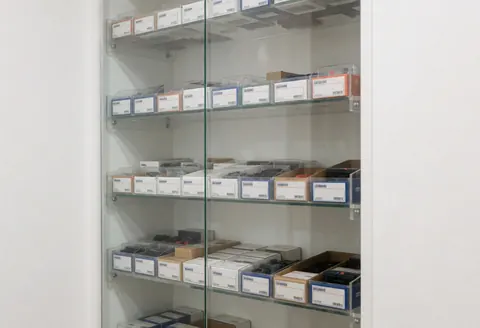
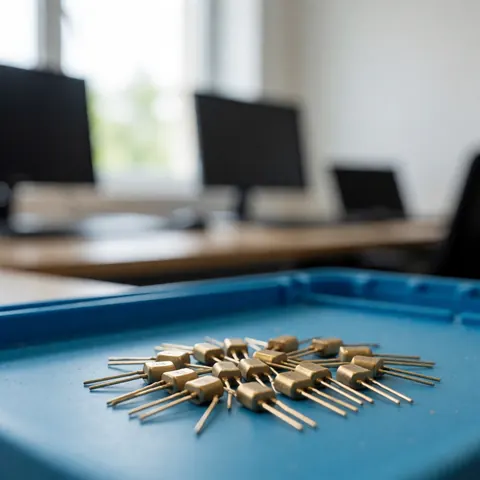


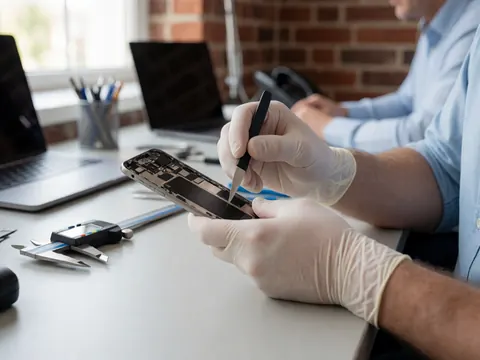
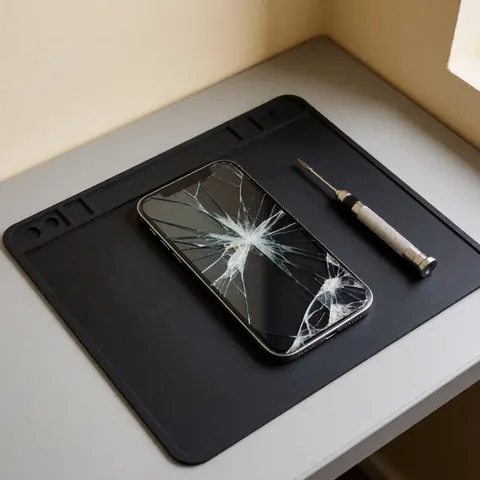
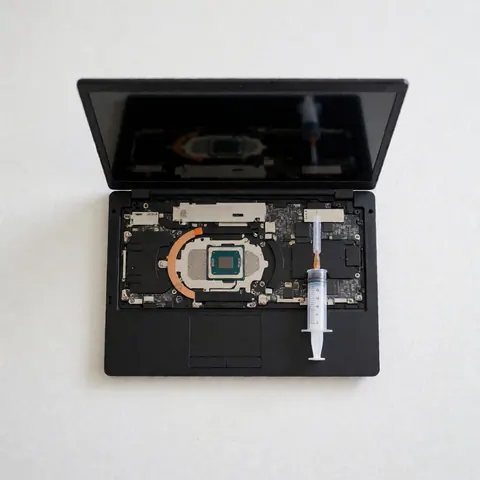






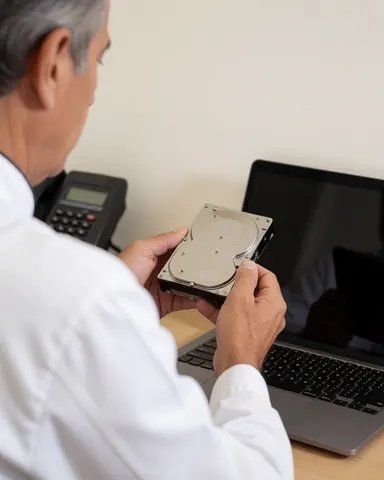
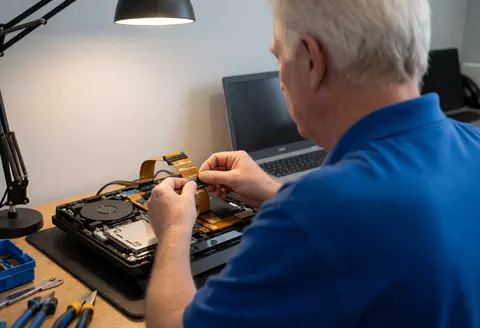

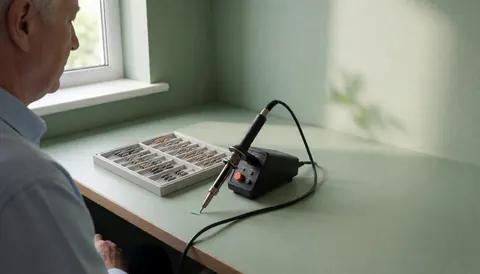
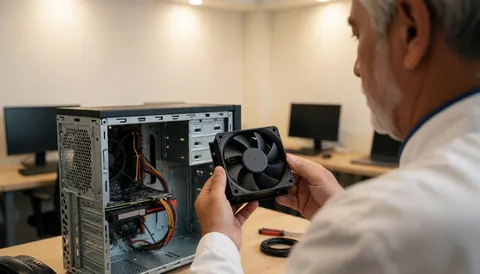
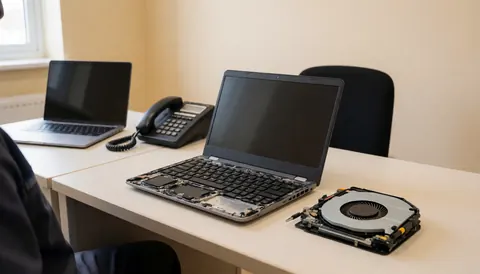
No photos match that search yet. Try another word: new photos are added every day.
Related industries
The whole industry in 4K
With the Agency plan you can download the whole industry in 4K. See the Agency plan
Want the same face for your brand every time? Virtual models with a perpetual commercial license, in 8K and ready to train, from US$29.
See modelsWhat do people want to see before leaving electronics with you?
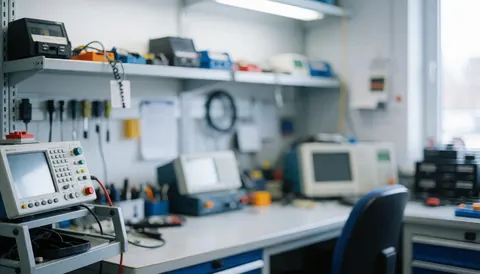
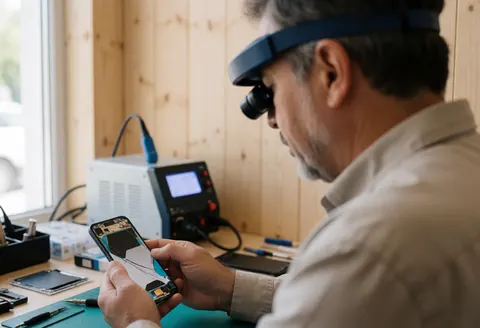
An electronics shop sees all kinds of equipment: an amplifier that hums, a game console with no picture, a speaker that cuts out, or an old family radio. People searching for you want to know if your bench can handle their device. Helpful photos show a soldering station with a lighted magnifier, an oscilloscope with a waveform on screen, boards with replaced components, and labeled drawers of small parts. They show method without promising miracles.
Where each electronics repair photo goes
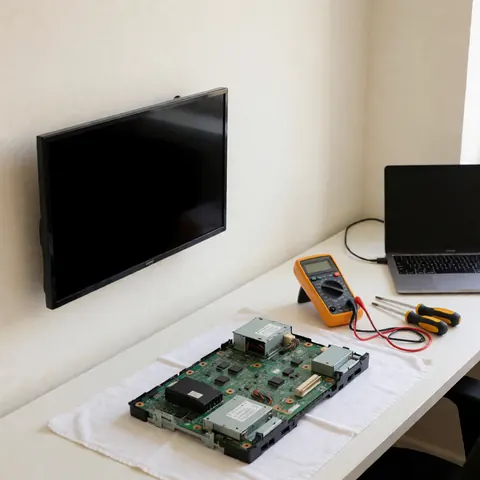
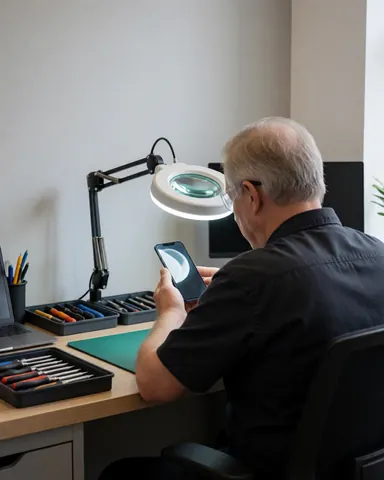
- Homepage banner: A bench with a soldering station, lighted magnifier, and a board held in a clamp, in 16:9, with space on one side for your name.
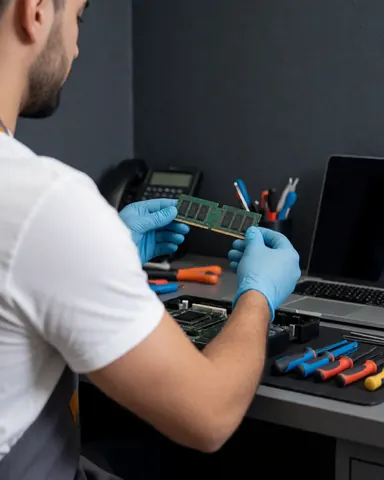
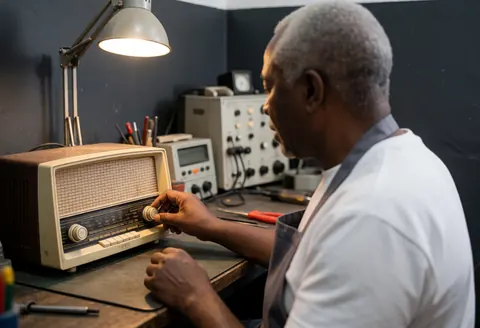
- What you repair: One photo per category: an open amplifier, a disassembled game console, a speaker without its grille, a tube radio. Customers see whether theirs is on the list.
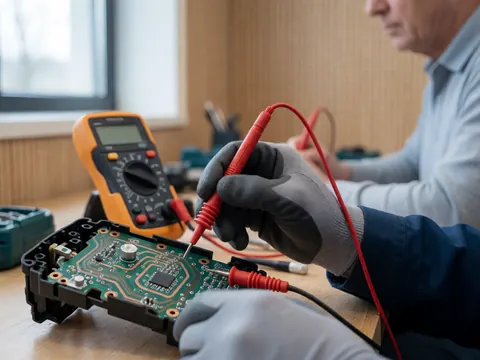
- Diagnosis: Oscilloscope probes on a board and the waveform on screen, to explain that you measure first and replace parts second.
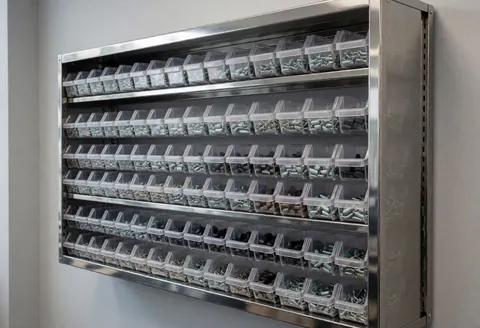
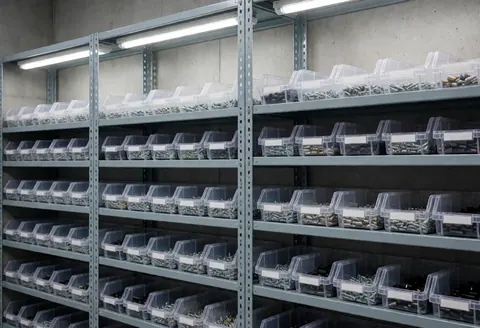
- Parts: Small drawers of resistors, capacitors, and connectors, in 3:2, if you source hard-to-find parts or work on vintage gear.
- Process posts: A soldering iron tip melting solder onto a cold joint, in vertical format, to share a repair from the week without showing the customer.
Electronics repair photo tips
- Only feature devices you actually repair; if you don't work on phones or laptops, skip those photos even if they catch the eye.
- Pick boards and casings with no readable brands, so you don't suggest an official partnership with a manufacturer.
- Stock photos show the kind of work, not your record; for finished cases, take your own photos with the owner's permission.
- If you give a turnaround time, frame it as an estimate that depends on parts, rather than a fixed deadline.
What’s in the electronics repair collection
Free photos for electronics repair websites, social media and ads: service in action, details, text background, product, happy customer, storefront & interior and team. Formats: landscape, portrait and square. With the Pro plan, in 4K.
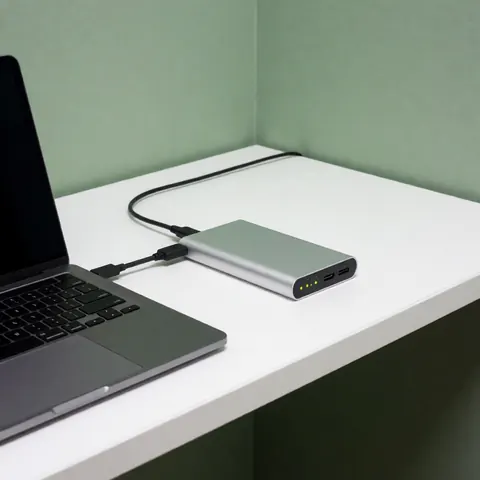
Most frequent scenes and objects: tech support, laptop, computer, workbench, diagnostic, hardware, precision, screen.
More photos in this category
Free stock photos for electronics repair technicians: full list