Home › Adult education
Free stock photos for online courses and e-learning
Photos





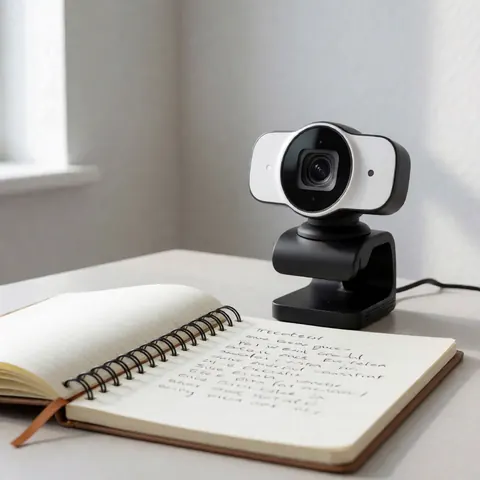





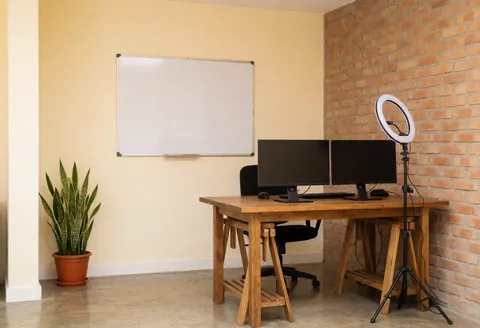

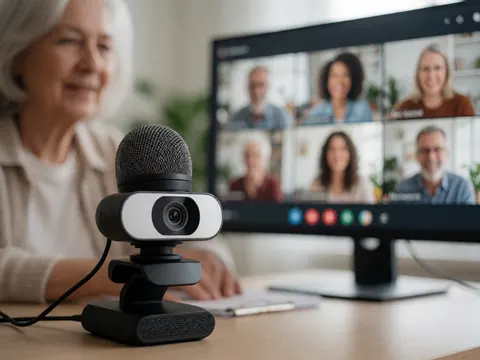












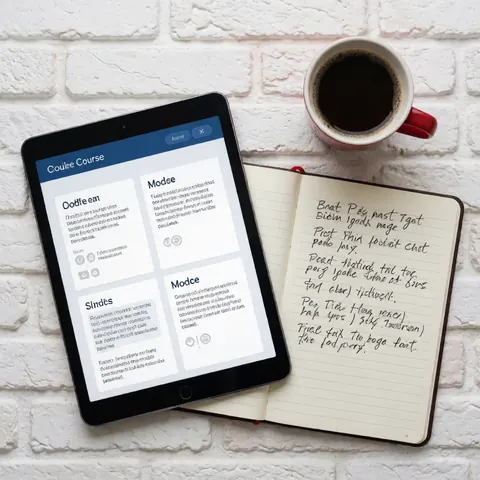













No photos match that search yet. Try another word: new photos are added every day.
Related industries
Collections: photos of one business
The whole industry in 4K
With the Agency plan you can download the whole industry in 4K. See the Agency plan
Want the same face for your brand every time? Virtual models with a perpetual commercial license, in 8K and ready to train, from US$29.
See modelsWhat does your course look like from the student's desk?
People considering an online course want to know what the experience is like: live or recorded classes, whether it works on a phone, if there are assignments, and whether they get a certificate at the end. Helpful scenes include an instructor seen from behind explaining a diagram on screen, a laptop showing a video call with a whiteboard in the background, a phone playing a lesson on the bus, handwritten notes beside a keyboard, or a diploma on a desk.
Where to place your course images
- Course landing page: A 16:9 header with a study desk and space for the program name, then one image per module further down.
- Format section: A laptop with a live session for synchronous classes and a phone with a paused video for recorded ones, so the format is obvious.
- Welcome emails: An open notebook with the first assignment and a mug beside it set the tone for the message about logging in.
- Social ads: In 4:5, hands taking notes in front of a screen to talk about hands-on content, with no claims about landing jobs.
- Certificate page: A rolled diploma or folder next to a keyboard to show what students receive and how they download it.
Tips for course creators
- If your lessons are prerecorded, skip group video-call photos; students will expect live interaction.
- The people pictured are not your graduates, so don't attach career stories to them.
- Match screens and materials to the subject. A bookkeeping course calls for spreadsheets, not paintbrushes.
- Show the device your course really needs. If the exercises require a computer, say the phone only covers the lectures.
What’s in the online learning collection
Free photos for online learning websites, social media and ads: service in action, details, text background, website hero, storefront & interior, happy customer, team and product. Formats: landscape, portrait and square. With the Pro plan, in 4K.
Most frequent scenes and objects: education, computer, study, digital, technology, class, training, laptop.
More photos in this category
Free stock photos for online courses and e-learning: full list